
Do you aim to provide professional content to your audience?
Visual imagery is what tells the most about a brand, an individual, and their goals.
To have professional images and post them on social media platforms, you can either spend hours in studios editing the content. Otherwise, you can use modern image enhancers, which can increase the quality of the image, add details you want, change the lighting, and get a perfect image you are looking for in a short amount of time.
Interested enough? Then keep reading this article and learn more about the best AI image enhancers and some core advantages they offer.
At-a-Glance Chart
|
Tool |
AI Capabilities |
Ease of use |
Does the tool have a Free Trial? |
|
Krea.ai |
Increase resolution up to 22K, sharpen details, reconstruct textures |
Simple, web-based interface without requiring any technical editing skills |
Yes, 100 compute units every day |
|
Topaz Photo AI |
Automates tasks like noise reduction or sharpening |
Ease of use and manual control |
No free trial |
|
Magnific AI
|
Invents and injects hyper-realistic details and textures into images |
Intuitive browser-based interface |
Has a free plan offering 20 images per day |
|
Let’s Enhance
|
Fixes bad lighting and recovers lost details |
Simple interface |
No free trial, only 10 one-time free credits |
Top 4 AI Image Enhancers Reviewed
Krea.ai
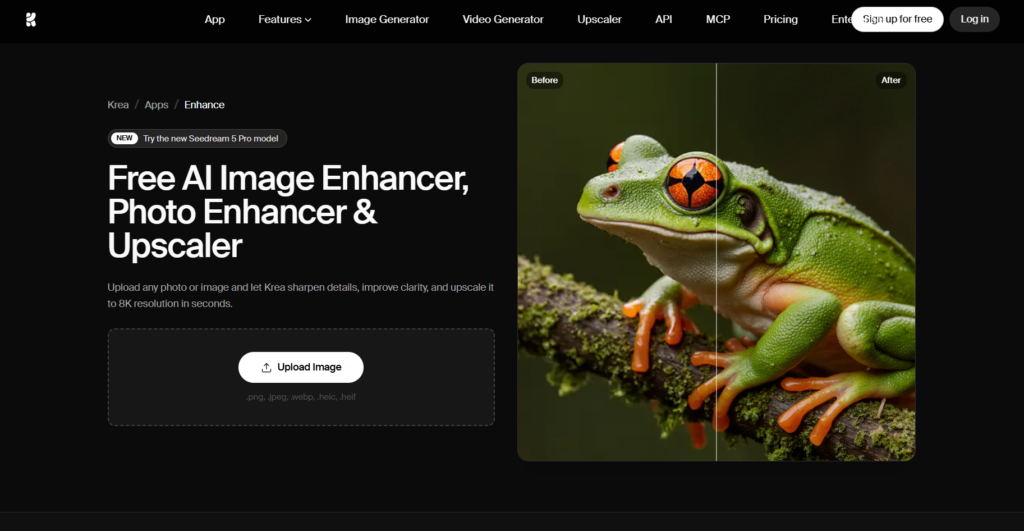
Krea.ai is a powerful AI image enhancer and upscaler that will transform any blurry or low-resolution image into a high-definition one. The tool helps to reconstruct texture and add any details you desire, and gives you control to edit and adjust the image.
Some key advantages that Krea’s image enhancer offers are:
- Quick Results: The AI enhancer automatically increases resolution, sharpens the image, and ensures clarity and image quality.
- Natural Image Enhancement: Although AI is used to enhance the image quality, it preserves all the original details, avoiding any artificial details that will scare your viewers.
- Editing: You have fine-tuning control and can easily adjust coloring, AI strength, resemblance, etc.
- Add a Prompt: You can guide the upscaling while using a text description to make sure that the final image you have matches all the expectations you have.
- File Types: The tool accepts different file types, including PNG, JPEG, WebP, HEIC, HEIF, etc.
How to Upscale an Image in 3 Steps?
On Krea.ai, we can increase the image quality in the following steps:
Best For
The tool is a great solution for digital creators, e-commerce sellers, photographers, or anyone seeking high-resolution images. As it is easy to use and offers an intuitive interface, it becomes a top choice for anyone without any editing skills. Using Krea.ai, you can get quick and professional images that are ready to use on any social media platform.
Topaz Photo AI
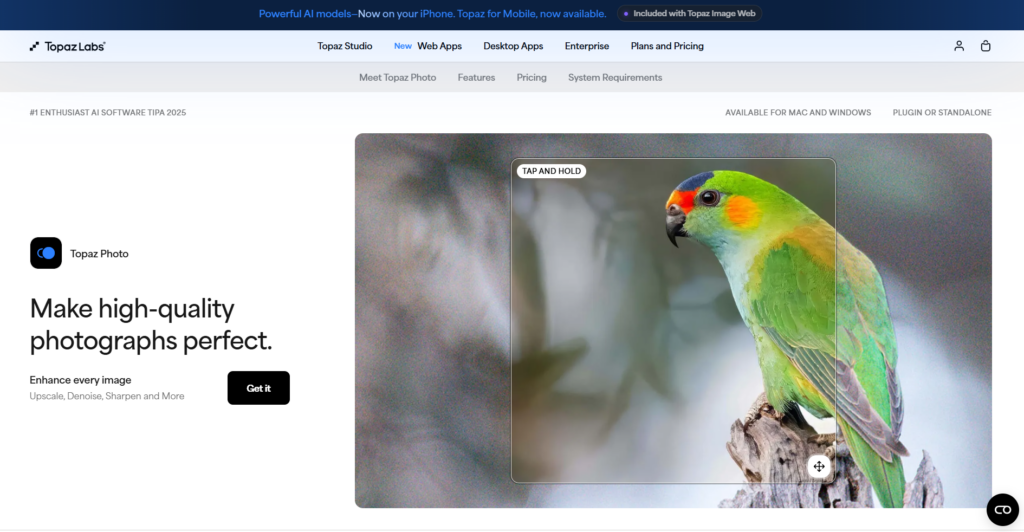
Topaz Photo AI is an AI-powered tool that helps to enhance the quality of any blurry image and add corrections if necessary. While using this tool, you can sharpen details and adjust the shot, all of this quickly and easily.
Key Aspects of the Tool
Topaz Photo AI offers the following benefits:
- Make the Image Perfect for You: You can fix issues in the image, remove noise, crop it, and enhance details, all in a single tool.
- Refine Elements: While editing the images, you can work on the lighting and coloring and recover faces of the models if necessary.
- Remove Anything: You have an opportunity to remove any elements that you do not need in the image or add ones you like.
- Denoise: Cleans up shots without changing any textures.
Best For
The tool is a good option for photographers and content creators looking for good quality images. While using Topaz Photo AI, you can work on images including wildlife, events and weddings, sports photography, archival images, or anything that comes to your mind.
Magnific AI
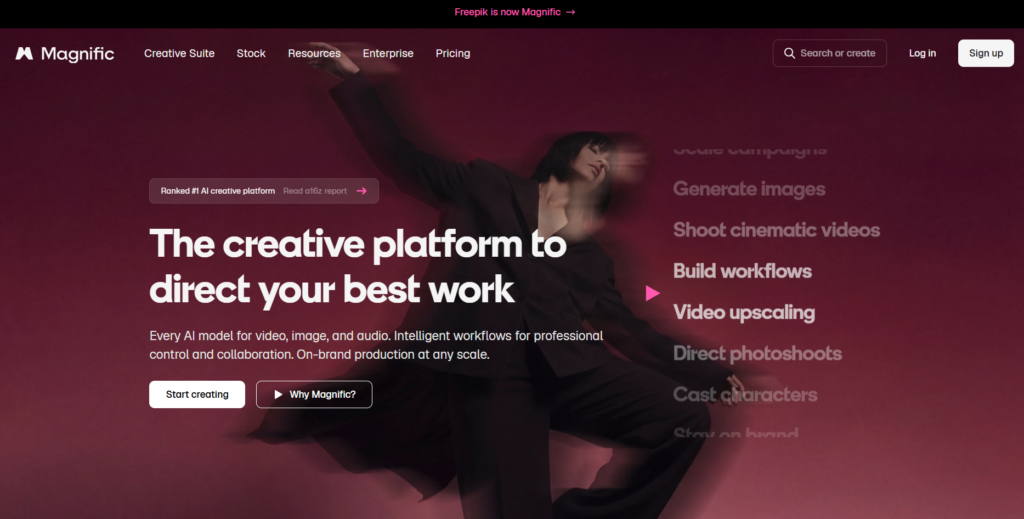
Magnific AI is a creative platform offering an advanced image enhancer and upscaler, providing realistic textures, sharpening details, and increasing resolution.
Key Aspects of the Tool
A few of the main highlights that the tool offers are:
- Sharpen the Image: You can upscale any image up to 16x clarity and at the same time maintain original textures.
- Bulk Upscaling: Upscale several images with a few clicks and save time while generating results.
- Fast Upscaling: You can use the tool to improve images in a matter of seconds.
- One Platform: You can organise all of your brand assets and generate content with your team in a single workplace.
Best For
The tool is an interesting option for concept designers, digital artists, and even people without design experience. It offers creative upscaling and control over the overall design.
Let’s Enhance
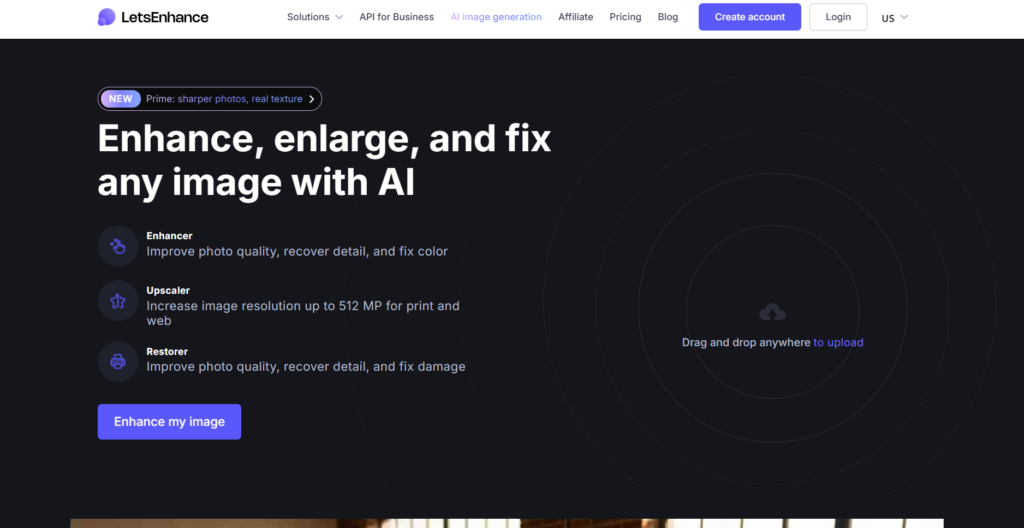
Let’s Enhance is an AI-powered image upscaler helping to turn low-resolution images into sharp ones without losing their clarity.
Key Aspects of the Tool
Let’s Enhance offers the following advantages:
- Maintain Originality: The tool makes sure that it avoids including artificial and weirdly AI-looking elements in the image and maintains its natural details.
- Print-Ready Images: With the help of the tool, you can get sharpened images ready to use on posters, T-shirts, canvas, etc.
- AI Image Tools: Let’s Enhance offers an AI denoiser, upscaler, sharpener, face enhancer, and background remover that you can use on your photo.
Best For
The tool is a good option for e-commerce sellers, graphic designers, or content creators who need to turn low-resolution images into quality ones.
The Takeaway
In 2026, there are a lot of image enhancers that help you to save time and resources while getting a quality image.
On these platforms, you can add any image that you have (even the blurriest ones) and get it professionally enhanced in a matter of seconds. What’s even more interesting if you need to change any details you don’t like in the image or alter lighting and coloring, you can do that also on the same platform.
All you have to do now is start using the tool you prefer the most and have your professional-looking images quickly and without putting much effort.