
A well-designed brand identity begins with an effective logo. Businesses that do not have in-house design staff often rely on web-based logo creation sites as a source of professional-looking logos. Design.com and Turbologo are two of the most popular and widely used platforms for creating logos. While both of the tools allow businesses to generate logos quickly, they use completely different methods to achieve this goal.
Below is a comparison of these two solutions based on their support for branding, the benefits they provide to businesses, and which website is best suited for businesses that wish to develop a unique image for their business.
Design.com: A Complete Branding Solution
Design.com provides users with not only the ability to generate logos but also a comprehensive brand-building experience. The tool utilizes AI in combination with flexibility in design customizations to provide a customized, premium branding experience.
Core Characteristics
- Extremely Large Template Library: More than 360,000 logo templates and over one million other industry-specific designs.
- Design & Creation Tools: Logo creator, Website Builder, Business Cards, Flyers, Posters, Presentations, Background Remover, etc.
- Editability: Thousands of unique fonts and hundreds of thousands of unique shapes/icons to customize your logo with AI-powered editing capabilities.
- Output File Types: Vector (SVG, EPS, PDF), Raster (PNG, JPG), Animated (GIF, MP4), Icon Only, and Transparent Backdrops.
- Additional Branding Design Assets: Over 50+ other brandable design assets that include Social Media Posts, Digital Business Card Templates, Flyer Template,s and Poster Templates.
- Add-ons: Optional extended licensing to purchase an exclusive version of a logo, Domain Registration Services, and optional printing services on numerous different types of products.
- Commercial Use: All designs are 100% commercially safe to use and carefully checked for quality and originality.
- Free Option: Design.com has a range of free logos, business cards, websites, and other designs.
Advantages
- Creates professional logos in minutes.
- Helps businesses to create consistent branding across all platforms and materials.
- Enables businesses to express the full personality of their brand.
- Eliminates external designer or agency dependency.
Design.com allows businesses to develop a complete branding identity with professional results and leave an impression on clients or customers. It is ideal for startups, small businesses, or larger companies looking for a one-stop shop for developing a complete branding tool kit.
Turbologo
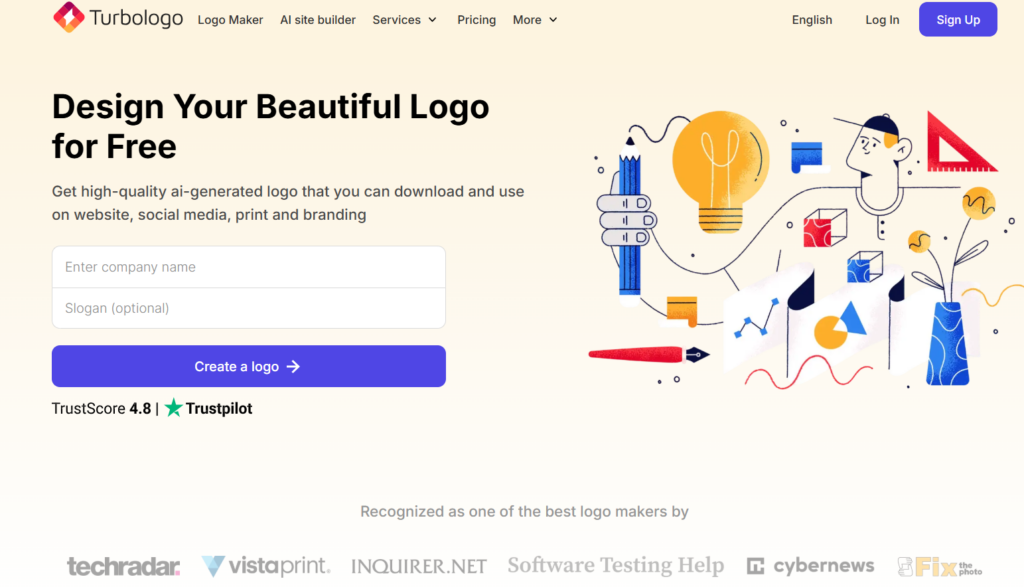
Turbologo has been developed around the speed of production and usability. Businesses looking for a logo as quickly as possible, with no extended customization or additional branding features, will be best served by this tool.
Core Characteristics
- Quick Logo Creation: The system offers several logo design options immediately after you input your company name and type of business.
- Pre-made Templates: Offers an expansive library of pre-designed logos to assist in quick and easy logo development.
- Simple Edit Options: Allows users to edit the color, font, and icon of the logo to customize.
- Affordable Pricing: Reasonably priced subscription plans for small budget companies.
Advantages
- Logo creation is fast and easy.
- Not required to have experience in design.
- Priced well for a small startup and small business.
The simplicity of logo generation with Turbologo is beneficial for simple logos; however, the limitations of customization and branding options create challenges for a company that desires a unique and professional brand image.
Platform Comparison
| Feature | Design.com | Turbologo |
| Logo Templates | 360K+ templates, 1M+ total designs | Large template library, industry-specific |
| Customization | Full AI-driven edits: 750+fonts, 525+ exclusive fonts, colors, icons, layout | Customizable fonts, colors, icons, and layout |
| Branding Tools | Social media posts, print materials, business assets | Business card templates, social media kits, basic brand guidelines |
| File Formats | Vector, raster, animated, transparent backgrounds | Vector and high-resolution raster formats |
| Ease of Use | Moderate learning curve due to many options | Simple and user-friendly workflow |
| Ideal Use Case | Full branding, professional marketing, long-term growth | Quick logo creation with some branding assets |
Made With Design.com
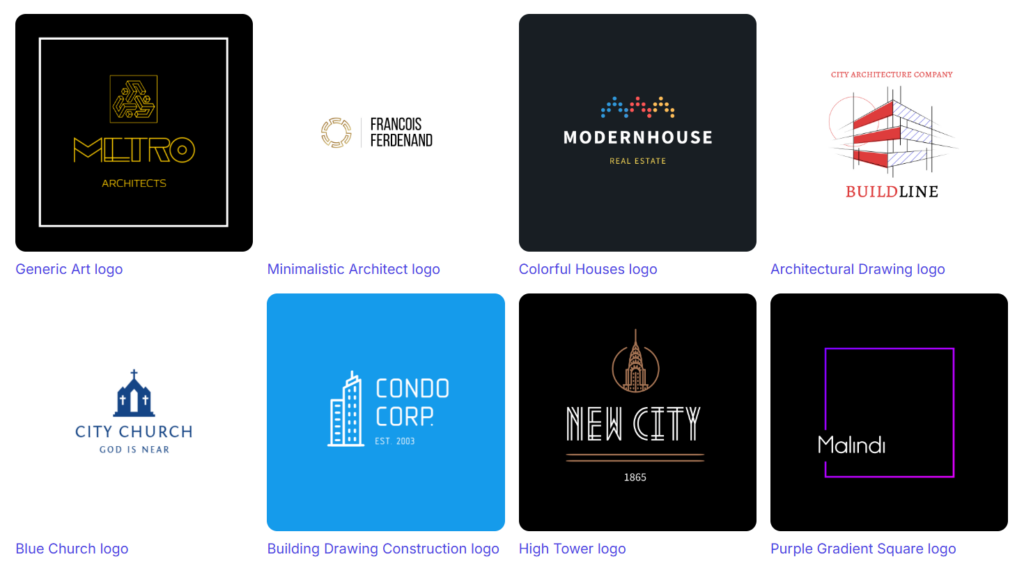
Made With Turbologo
Which Platform Suits You?
Both Design.com and Turbologo can be used to create professional logos.
If you want to have greater options available for creating a brand using your logo on different types of media, then Design.com will be the better option for you. The larger number of capabilities available will allow you to use your new logo for both local and national marketing campaigns.
However, if you are looking for a quick and affordable way to get a simple logo created, Turbologo would be the better choice for you. This is especially suitable for start-up companies or small businesses that may only need to create a logo and do not want to spend much money.
Summing Up
A strong visual identity is necessary in order to build recognition and credibility. Consistent branding throughout all of your digital and print marketing tools will help build trust, convey your company’s values, and make an impression that will last with your target audience.
When choosing a design solution to meet your needs, you should think about what is most important to you. Do you need to have a fast and simple design solution? Or do you want to have a complete branding solution as well as options for creativity?
When you have the right design solution, it will allow you to use professional images of your brand that are consistent and will be able to grow along with your business.